
This document describes the features and characteristics of the AF CCD LCD VP-D101(i)/D103(i)/D105(i) electronics, including features such as automatic timer shooting, zero memory photo display, slow fast forward, and date/time search.
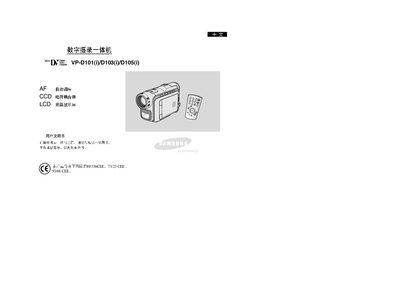
This manual provides detailed instructions for the Samsung VP‑D101(i)/D103(i)/D105(i) all‑in‑one digital videography system. It includes safety precautions, basic operation, menu navigation, and advanced shooting techniques.
The guide also covers hardware specifications such as the CCD sensor, LCD display, USB/IEEE‑1394 connectivity, and battery handling, helping users set up and maintain the device safely and efficiently. This manual is written in Chinese.
| Image Sensor | CCD (Charge‑Coupled Device) |
|---|---|
| Display | LCD screen |
| Data Transfer Interface | IEEE 1394 (FireWire) |
| Memory Card Support | Memory Stick |
Do not expose the device to temperatures above 60 °C (140 °F).
Clean the video head with the recommended cleaning method and avoid using harsh chemicals.
Ensure the battery pack is fully charged before the first operation.