
This is a user manual for VP-D107(i)
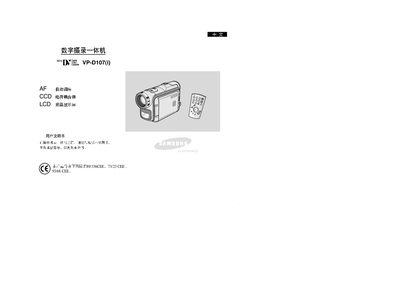
This manual covers the operation of the Samsung VP-D107(i) digital video camera, including functions such as self‑timer, memory management, photo display, zoom, white balance, and night capture. Detailed descriptions of menu items, button functions, and recording modes are provided to help users capture video and still images.
Technical information such as sensor type, lens specifications, power requirements, and environmental limits are listed, along with guidance for connecting the camera to external devices via USB, IEEE‑1394, and HDMI. Safety warnings and battery handling instructions are also included.
| Sensor type | CCD |
|---|---|
| LCD size | 0.24" |
| Operating temperature range | 0 °C to 40 °C |
Press the START/STOP button on the camera.
Use the CLOCK SET function in the menu.
The camera records to a Memory Stick.
Select the NIGHT CAPTURE option.