
ISPSoft User Manual provides the user guide for ISPSoft software, including software introduction, function tool bar introduction, program creation and printing, ISPSoft program editing concept, quick start guide, ladder diagram editing mode, IL instruction list and sequential function chart editing mode.
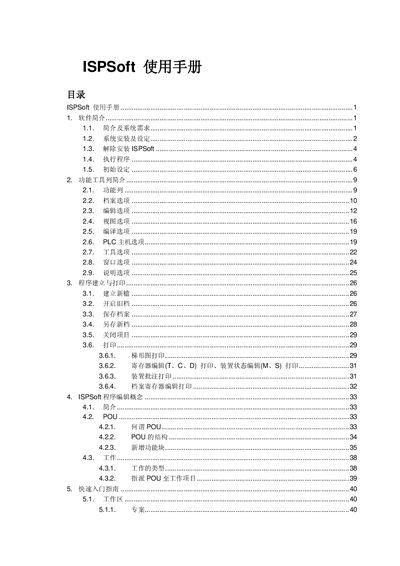
The ISPSoft User Manual describes the software used to program Delta DVP series PLCs on Windows. It covers system requirements, installation steps, toolbar functions, program creation, editing modes, PLC communication, and troubleshooting.
The guide also includes detailed keyboard shortcuts, backup procedures, and example applications such as traffic signal control, helping users efficiently develop and maintain PLC programs with ISPSoft. This manual is written in Chinese.
| Supported Operating Systems | Windows 2000/NT/ME/XP/VISTA/7 |
|---|---|
| CPU Requirement | Pentium 1.5 GHz or higher |
| Minimum RAM | 256 MB (recommended 512 MB) |
| Disk Space | At least 500 MB free |
| Display Resolution | 800 × 600 or higher |
| RS‑232 Port | At least one RS‑232 port for PLC connection |
Select the Print command (Ctrl+P) from the File menu, choose the desired output (ladder diagram, register table, or annotation), and configure the printer settings before printing.