
This is a user manual for a digital camera from Olympus
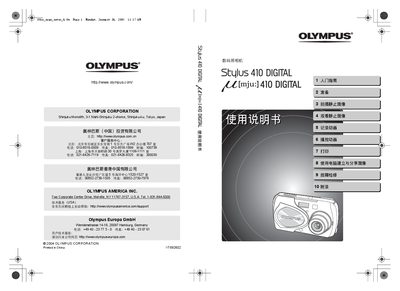
This manual provides step‑by‑step instructions for using the Olympus Stylus 410 digital camera. It explains basic functions such as shooting still images, recording video, using the LCD monitor and viewfinder, and accessing special shooting modes like panorama and macro.
Additional sections cover printing options (PictBridge and DPOF), battery replacement, safety precautions, waterproof features, and a troubleshooting guide for common faults. Technical specifications and accessory information are listed at the end of the document. This manual is written in Japanese.
| Memory card type | xD‑Picture Card |
|---|---|
| Battery type | CR2025 |
Use a PictBridge‑compatible printer or the DPOF printing function to send images from the camera to a printer.
The camera uses a CR2025 battery, which can be replaced by opening the battery compartment and inserting a new CR2025 cell.