
This is a user manual for Olympus Stylus 300/400 DIGITAL (µ[mju:] 300/400 DIGITAL) cameras.
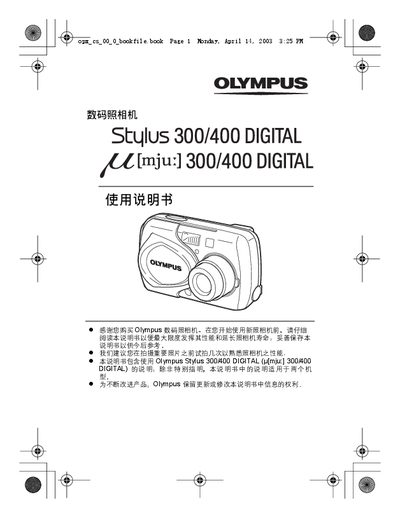
This manual introduces the Olympus Stylus 300 and 400 digital cameras, covering safety information, basic handling, and how to set up the device for the first time. It includes sections on battery installation, language selection, date and time settings, and quick start guides.
Detailed chapters explain shooting basics, advanced photography features such as flash, zoom, and panorama modes, as well as playback, image editing, printing settings, and camera maintenance. A specifications section lists model numbers and regulatory compliance, and an index helps locate topics quickly. This manual is written in Chinese.
| Model | Stylus 300 DIGITAL, Stylus 400 DIGITAL |
|---|---|
| FCC compliance | Meets FCC Part 15 regulations |
It covers the Olympus Stylus 300 DIGITAL and Stylus 400 DIGITAL cameras.
Select the All Reset option in the menu to restore factory defaults.