
The document provides detailed information about the features and characteristics of the product, including specifications, functions, performance, etc.
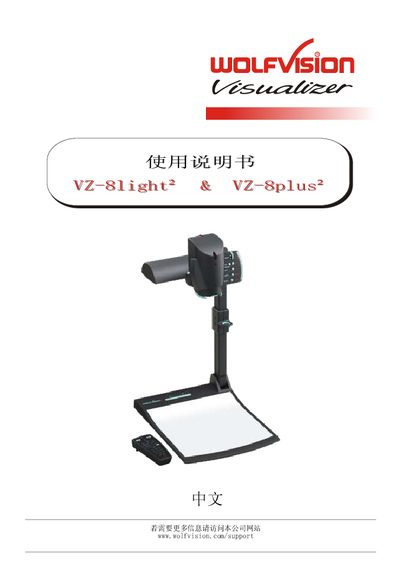
This manual begins with essential safety precautions, such as using only the voltage marked on the nameplate, keeping the unit dry, and avoiding exposure to strong magnetic or X‑ray fields. It also outlines FCC and EMC compliance, and lists the required certifications for power supplies.
The guide then details the hardware layout, including the various input and output connectors (USB, DVI, RGB, PAL/NTSC, composite video) and the functions of the display‑stand buttons. Installation steps cover power connection, output device hookup, and positioning of the camera head. Operational instructions explain focus, zoom, white‑balance, image flip, and how to use the infrared remote and preset buttons. This manual is written in Chinese.
| DC input voltage | 12 V |
|---|---|
| DVI output (VZ‑8plus only) | Available |
| RGB output | Available |
| PAL/NTSC composite video (VZ‑8plus only) | Available |
Use only the voltage specified on the nameplate, keep the unit dry, avoid moisture, vibration, strong magnetic or X‑ray fields, and disconnect power when not in use.
Press the light button for about 2 seconds to execute a one‑touch white balance.
Press the in/out button; the LED will indicate when an external input is active.
The VZ‑8plus includes DVI, RGB, PAL/NTSC composite video, USB, and infrared remote interfaces.