
CHC-400A Laser cutting height controller is a closed-loop control system that can automatically control the height of the torch for CNC laser cutting machines.
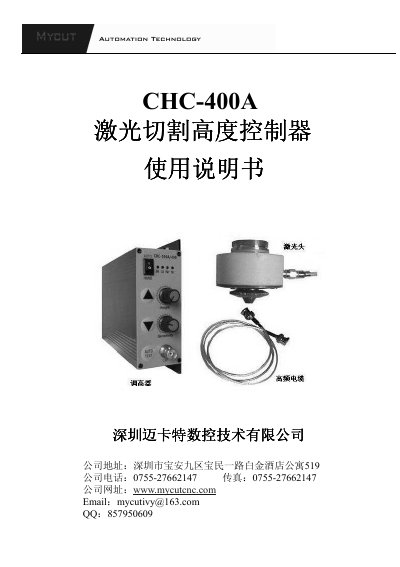
The CHC-400A is a capacitive height‑control system designed for laser‑cutting machines. It uses a closed‑loop architecture that includes position detection, signal processing, logic control and motor drive, providing automatic height adjustment for the torch.
The manual covers product introduction, technical specifications, mechanical layout, panel functions, wiring diagrams, commissioning steps and fault maintenance, helping users install, configure and maintain the controller safely and efficiently. This manual is written in Chinese.
| Supply voltage | AC24V±10% 50Hz~60Hz |
|---|---|
| Motor type | DC24V permanent‑magnet DC motor |
| Output control method | PWM (brushless speed control) |
| Output current | 1A‑4A |
| Operating temperature | -10 °C ~ 60 °C |
| Positioning accuracy | ±0.05 mm |
| Adjustment range | 1 mm – 10 mm from workpiece surface |
| Maximum output power | 60 W |
| High‑frequency cable length | 500 mm – 800 mm |
| Dimensions (L×W×H) | 150 mm × 133 mm × 47 mm |
| Break‑line protection | Enabled (BRK indicator) |
Rotate the Height potentiometer clockwise to increase height or counter‑clockwise to decrease it; in automatic mode the set value determines the torch height.
The BRK red LED lights when the probe cable is broken or has poor contact, indicating a break‑line condition.
Turn the Sensitivity potentiometer clockwise to increase sensitivity or counter‑clockwise to decrease it; this affects the speed of the automatic height adjustment.