
This document describes the features and characteristics of the IMCB01-C1 CB100, including its performance, functions, and technical specifications.
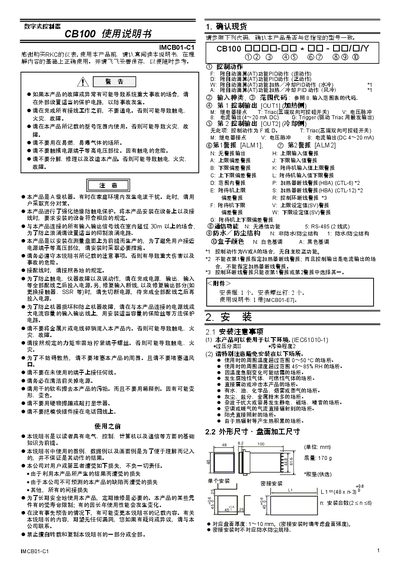
This manual begins with safety precautions and installation guidelines for the CB100 digital controller, covering topics such as proper grounding, protection against over‑voltage, fire hazards, and recommended installation environments.
It then describes wiring, terminal assignments, operation modes, parameter settings, automatic and self‑calculation functions, fault displays, and maintenance procedures, enabling users to configure and operate the controller safely and effectively. This manual is written in Chinese.
| Power supply voltage (AC) | 85‑264 V AC |
|---|---|
| Power supply voltage (24 V range) | 100‑240 V AC |
| Relay contact output rating | 250 V AC, 3 A (resistive load) |
| Recommended fuse | 230 V, 1 A time‑delay |
All wiring must be completed before applying power; otherwise there is a risk of electric shock or fire.
Switch to SV setting mode, move the bright indicator to the desired digit, press the SET key, adjust with the up/down keys, then press SET again to log the new value.
A 230 V, 1 A time‑delay fuse is recommended.