
This document is an instruction manual for a personal sports training watch from the Pyle Sports brand. The watch features functions such as time/date display, heart rate monitoring, and calorie tracking.
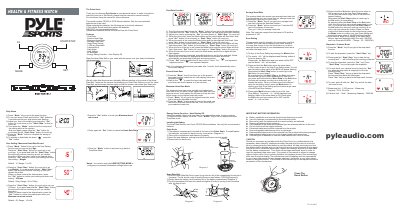
This manual explains how to operate the Pulse Sonic health & fitness watch, including time/date setting, heart‑rate functions, zone alarms, stopwatch, calorie tracking, daily alarm, and user‑specific settings such as age, weight, and VO2max. It also covers battery installation, the heart‑rate belt, and safety precautions.
Follow the step‑by‑step instructions to replace the two CR2032 lithium batteries, attach the heart‑rate belt, and configure the device for your personal fitness goals. The watch features an EL backlight, auto display‑off energy‑saving mode, and a reset button for troubleshooting.
| Battery type | CR2032 lithium |
|---|---|
| Number of batteries | 2 pcs |
| Stopwatch measuring capacity | 23 hr 59 m 59 s |
| Calories unit | 1 Kcal |
| Backlight type | EL Backlight |
| Energy saving mode | Auto Display Off |
Open the back cover with a screwdriver, remove the old CR2032 batteries, insert new ones with correct polarity, and screw the cover back in place.
Enter Zone Setting with the Mode button; the zone alarm status is shown by flashing ‘- H -’ or ‘- L -’. Press Set to toggle the alarm on or off.