
This manual introduces the Acer Aspire S3 notebook computer’s basic usage and maintenance knowledge, including getting started, familiarizing yourself with the notebook computer, using the keyboard, restoring the system, protecting the computer, carrying the notebook computer on a trip, HDMI, USB, BIOS utility, FAQ, service inquiry, troubleshooting, error messages, and other content.
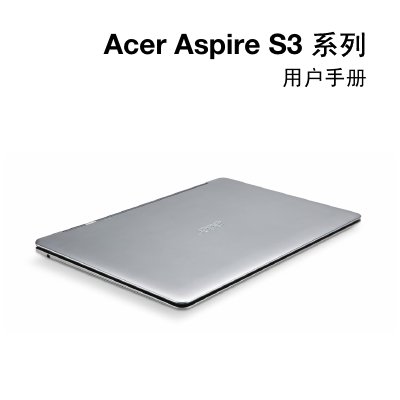
This manual covers safety and comfort recommendations, including proper handling of the power adapter, battery care, and environmental precautions. It also explains how to set up the laptop, use the touchpad, keyboard, and wireless features, and manage power and media sharing.
Additional sections provide detailed troubleshooting steps, regulatory compliance information, and guidance for traveling with the laptop, ensuring users can operate the device safely in various conditions. This manual is written in Chinese.
| Battery charging temperature range | 0 °C to 40 °C |
|---|---|
| Recommended storage temperature | 15 °C to 25 °C |
The laptop uses an AC adapter with a three‑wire grounded plug that must be connected to a properly grounded outlet.
No. The laptop must be turned off and wireless functions disabled before boarding an aircraft.