
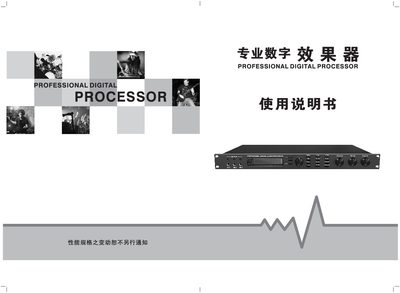
This manual explains how to install, connect, and operate the PROCa690R Professional Digital Processor. It includes safety warnings, such as not opening the unit unless you are a qualified technician, and guidance on proper ventilation and power connection.
The document details the main menu functions, front and rear panel controls, input and output connections, and the processor's audio parameters like EQ sections, delay settings, and mode storage. Technical specifications such as input/output levels, power requirements, dimensions, and weight are listed at the end. This manual is written in Chinese.
| Maximum Input Level | 3.5 V RMS |
|---|---|
| Maximum Output Level | 3.5 V RMS |
| Music Channel Gain | 12 dB |
| Microphone Sensitivity | 64 mV (Out: 3.5 V) |
| Signal‑to‑Noise Ratio | >80 dB |
| Input Voltage | ~220 V 50 Hz |
| Dimensions (H×W×D) | 47 × 480 × 198 mm |
| Weight | 3.3 kg |
| Stored Preset Modes | 20 |
The maximum input level is 3.5 V RMS.
It requires an input voltage of approximately 220 V at 50 Hz.
The processor can store up to 20 different preset modes.
No, only qualified technicians should open the unit; non‑professionals must not open it.