
CRT99B is a vehicle tracking device composed of GPS and GSM/GPRS modules. It is a compact, highly accurate and low-power remote positioning device that can be used for vehicle leasing and logistics business management/outdoor mechanical equipment tracking.
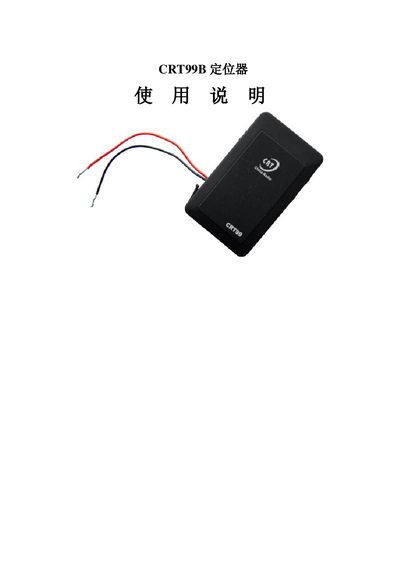
The CRT99B is a compact GPS/GSM tracking device designed for vehicles, motorcycles, and outdoor equipment. It combines GPS positioning with GSM/GPRS communication to provide real‑time location data, alarm notifications, and remote monitoring.
This manual explains how to install the SIM card, power the unit, configure network settings, and use the various commands for location queries, GPRS upload, alarm handling, and remote restart. Safety and installation guidelines are also provided. This manual is written in Chinese.
| Supported voltage range | 12V to 36V |
|---|---|
| Operating temperature | -20°C to 65°C |
| Humidity range | 5% to 95% |
| Standby power consumption | 60 nA |
| Hot start time | <1.5 s |
| Cold start time | <95 s |
| Positioning accuracy | 3.0 m |
| Speed positioning resolution | 0.1 m/s |
Insert the SIM card into the SIM slot on the terminal and close the plug; then press and hold the SOS button and the power button together to restart the device.
Press and hold the three buttons on the device for about three seconds; after power‑on, all parameters will be restored to factory defaults.
Send *123# to the device; it will reply with the latitude, longitude, date, and time of the current position.