
This manual describes the safety precautions, product use precautions, antenna connection, long-term TV viewing, USB HOST connection, USB data cable connection, hard disk damage, hard disk replacement, automatic formatting, deletion from PC, and disk settings for the TVX-HD M-6600, TVX-HD M-6600A, and TVX-HD M-6600N products.
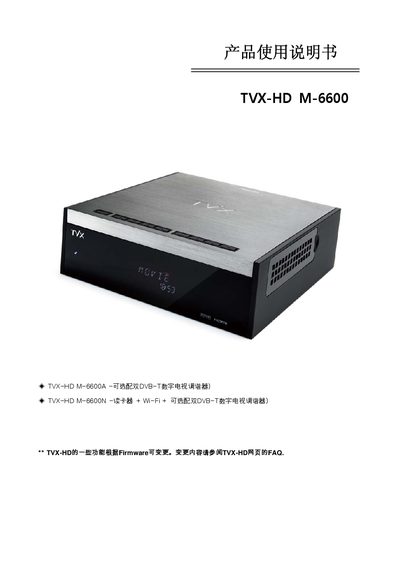
This manual covers safety precautions, proper handling, and environmental requirements for the TVX‑HD M‑6600. It explains how to connect antennas, USB devices, and external storage, and provides guidance on installing and replacing the internal hard‑disk safely.
The guide also describes the device’s HDTV PVR functions such as recording, time‑shifting, and multimedia playback, including supported video resolutions, audio formats, and network features. Firmware upgrade procedures and a FAQ section address common user questions. This manual is written in Chinese.
| Maximum video resolution | 1920 × 1080 P |
|---|
TIME‑SHIFTING only works when the hard‑disk is formatted with NTFS; FAT32 does not support this feature.
No. The manual advises disconnecting USB storage devices when watching HDTV to avoid playback interruptions.
The remote works within a distance of 7–10 meters and within a 15° angle range.