
This manual is the user manual of GT-150.GT-150A.GT-150B models of all-in-one computers. It introduces product safety instructions, precautions, machine appearance, product specifications, interface description, motherboard configuration, power supply, touch screen software installation and use, secondary screen, dual screen display settings, magnetic card reader usage, magnetic card installation, customer display, troubleshooting, etc.
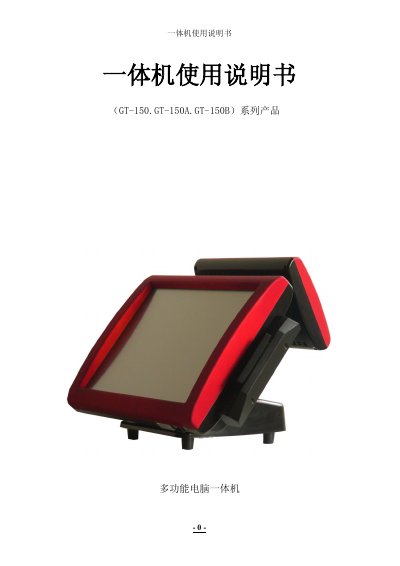
This manual covers the GT-150, GT-150A and GT-150B multi‑function all‑in‑one computers. It includes safety instructions, product specifications, hardware interfaces, and detailed procedures for installing and using the touchscreen software, dual‑screen configuration, and magnetic card reader.
Key sections guide users through physical setup, power connection, BIOS access, troubleshooting steps, and packaging information, ensuring proper installation and reliable operation of the devices. This manual is written in Chinese.
| CPU | Intel ATOM D425 1.8GHz |
|---|---|
| Memory | 1 GB DDR3 SDRAM |
| Storage | 320 GB SATA 2.5" HDD or 32 GB SSD |
| Main screen | 15‑inch TFT 1024×768 |
| Power input | AC100V‑240V / 50‑60 Hz |
| Weight (GT‑150) | 8.2 kg |
Press the power button with your right thumb after the power adapter is connected.
Verify that the power cable is properly plugged in, the base power is connected to the main unit, and BIOS settings are correct.
Run the touchscreen calibration procedure as described in the touchscreen software usage section.
Follow the Dual Screen Setup method outlined in sections 12‑16 of the manual.