
This document is the user manual for ASRock K7V440 motherboard, which mainly introduces the installation of SATA hard disks and RAID configuration methods, as well as the installation methods of Windows 2000 and Windows XP.
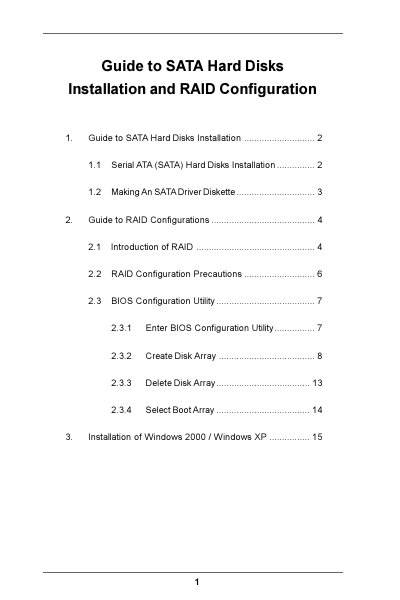
The document provides step‑by‑step instructions for installing SATA hard disks, including mounting the drives, connecting power and data cables, and preparing the system for OS installation. It also covers creating an SATA driver diskette needed for Windows 2000/XP installations.
The guide details RAID configuration using the BIOS utility, describing how to create, delete, and select boot arrays for RAID 0, RAID 1, and JBOD. Precautions such as using matching drive sizes and understanding the lack of fault tolerance for RAID 0 are included.
| Chipset | VIA VT8237 southbridge |
|---|---|
| RAID support | RAID 0, RAID 1, JBOD |
| SATA channels | Two independent SATA channels |
| Block size options | 4K to 64K Bytes |
| Driver diskette requirement | Needed for Windows 2000/XP installation |