
This document introduces the features and characteristics of the H7000 series of products, including the functions, performance, configuration and application of the products
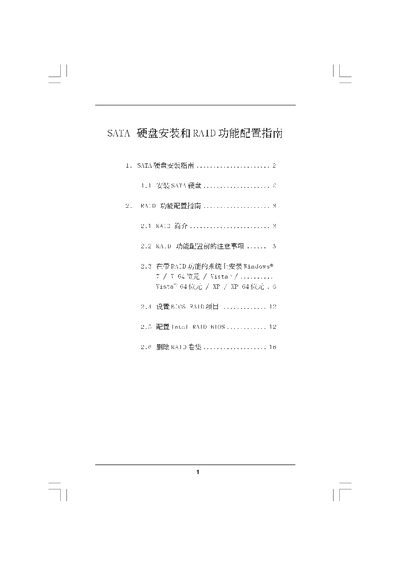
The document provides step‑by‑step instructions for installing SATA hard disks, selecting the appropriate SATA mode in BIOS, and preparing the system for RAID. It covers supported SATA versions (SATA, SATAII, SATA3) and the operating systems that can be used, such as Windows 7, Vista and XP (32‑ and 64‑bit).\n\nIt then details the configuration of various RAID levels (0, 1, 5, 10), including required precautions, stripe size settings, and how to create, manage, and delete RAID volumes using the Intel Rapid Storage utility and BIOS RAID setup.
| Supported SATA versions | SATA, SATAII, SATA3 |
|---|---|
| Maximum RAID 0 volume size (example) | 120 GB |
All existing data on the disks must be cleared (Clear Disk Data) before creating a RAID volume.