
This document is a brochure for the product of 'Sony Ericsson W610'. It contains the product's features, specifications and images.
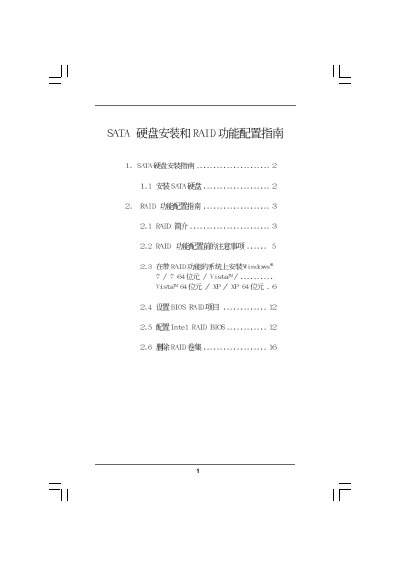
The guide explains how to install SATA hard drives, including SATA, SATA II and SATA III interfaces, and how to set up RAID functionality on motherboards that support Intel Rapid Storage. It covers RAID basics, supported levels (RAID 0, 1, 5, 10) and the performance and data‑protection characteristics of each mode.
Detailed procedures show how to enter the BIOS, change the SATA operation mode to RAID, create RAID volumes, and install Windows operating systems on the newly created RAID arrays. The document also includes warnings, preparation steps, and instructions for deleting RAID volumes when needed. This manual is written in Chinese.
| Supported SATA interfaces | SATA, SATA II, SATA III |
|---|
Enter the BIOS Setup Utility, go to Advanced → Storage Configuration and set the SATA Operation Mode to RAID.