
This is a user manual of Fiber MODER. It introduces the features and characteristics of the product, including wiring instructions and warranty instructions.
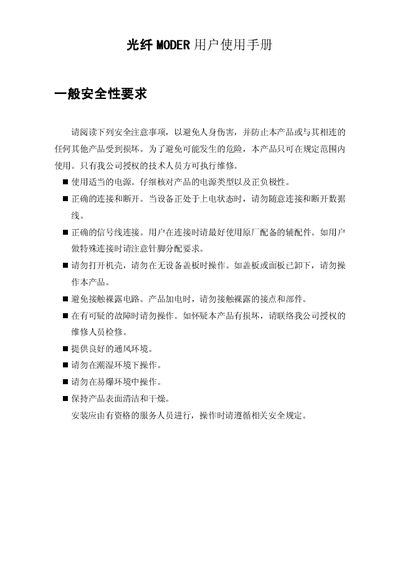
This manual provides safety guidelines, installation instructions, and operating procedures for the MODER optical fiber converter. It emphasizes proper power connection, correct signal wiring, and the use of original accessories to avoid damage or injury.
The document includes detailed panel diagrams, indicator light descriptions, DIP switch settings, and a packing list with accessories. It also outlines steps for initial setup, troubleshooting, and contacting authorized service personnel for repairs. This manual is written in Chinese.
Connect RS485 T+ to the terminal marked T+, and GND to the terminal marked GND as shown in the panel wiring diagram.