
BVP901 Keyboard Manual is the manual of BAVONO BVP901 keyboard, which introduces the functions, parameters, panel, operation methods, and common key function table of the keyboard. It is suitable for users of BAVONO BVP901 keyboard
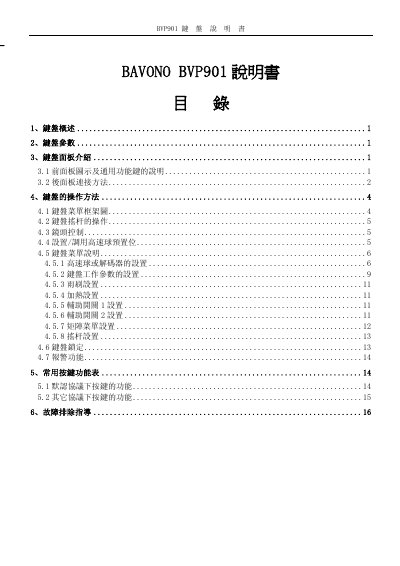
The BAVONO BVP901 is a keyboard for controlling high-speed dome cameras, PTZ units and matrix systems. It can operate as a main or sub-control keyboard and supports up to 16 sub-control keyboards, 1024 high-speed balls or decoders, and 64 monitors.
It provides an LCD interface, proportional joystick, RS-485 control output, optional RS-232 control signal, keyboard lock, alarm function, preset position and patrol group settings, and menu-based configuration for camera and keyboard parameters. This manual is written in Chinese.
| Control mode | Main control, sub control |
|---|---|
| Maximum sub-control keyboards | 16 |
| Maximum controllable high-speed balls or decoders | 1024 |
| Maximum controllable monitors | 64 |
| Communication baud rate | 1200, 2400, 4800, 9600 bps |
| Protocols | Default, PELCO_D, PELCO_P, KALATEL, SAMSUNG |
| Data format | 1 start bit, 8 data bits, 1 stop bit |
| Power supply voltage | DC 12V |
| Preset positions | 128 |
| Patrol groups | 8 |
| Preset positions per patrol group | 16 |
| Auto home wait time | 1-255 seconds |
The keyboard requires a DC 12V power supply.
It can control up to 1024 high-speed balls or decoders.
Press the LOCK key and enter password 6688 to lock the keyboard.
After positioning the high-speed ball and entering the preset number in the data area, press Shift + Call.