
The product is an electric cleaning robot that can be used for floor cleaning. The product has the functions of floor cleaning, dust removal, sweeping, mopping and wiping, and supports automatic dust collection and automatic recharge. The product uses advanced laser navigation technology to accurately identify and plan the cleaning path, which improves cleaning efficiency.
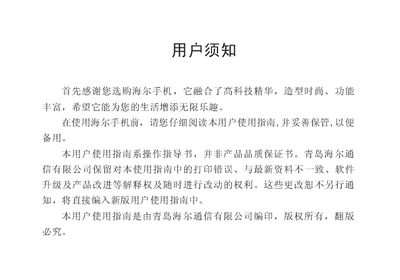
This quick start guide provides essential instructions for using the Haier V6200 mobile phone. It includes basic operations such as powering on/off, making calls, adjusting volume, and using single‑key dialing, as well as menu navigation and setting adjustments.
The manual also outlines safety precautions for using the phone in vehicles, aircraft, fuel stations, and medical facilities, and introduces the Haier 乐园 service platform with GPRS, WAP and voice‑messaging features. This manual is written in Chinese.
No, you must not use the phone without a hands‑free device while driving.
Ensure the phone is turned on, enter the local emergency number, and press the send key.
Set up single‑key dialing in the phone’s settings before using it.
Turn the phone off when you are at a gas station.