
This document is the user manual of Voyager analog synthesizer. It introduces the features, characteristics and usage of Voyager analog synthesizer.
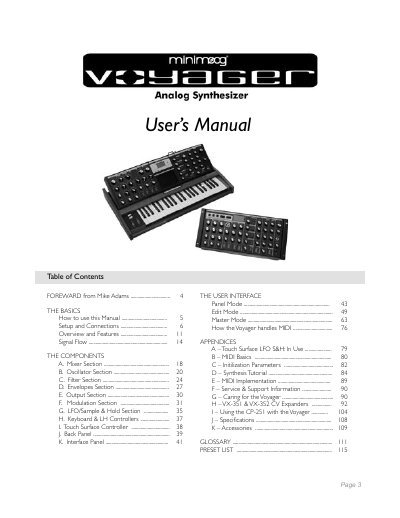
This manual guides owners through unpacking, setting up, and connecting the Moog Voyager, including power, audio, and MIDI connections for both keyboard and Rack Mount Edition models. It explains the instrument’s components—oscillators, filters, envelopes, LFOs, and the touch‑surface controller—and how to use the front‑panel controls.
Detailed sections cover the three operating modes (Panel, Edit, Master), MIDI implementation, service and warranty information, and a full specification sheet. Appendices provide synthesis tutorials, preset lists, and troubleshooting tips for safe operation and maintenance.
| Type | Programmable monophonic analog synthesizer |
|---|---|
| Sound Generation | 3 Oscillators, 1 Noise source, 5‑input Mixer, 2 Filters, 2 Envelopes, 1 LFO |
| Program Memory | 896 presets in 7 banks (user‑rewritable) |
| Keyboard | 44 keys (F‑C) |
| Power Supply | Universal 100‑250 VAC, 50/60 Hz |
| Dimensions (Keyboard) | 30.5" W × 18" D × 3" H (panel flat) |
The Voyager contains 896 presets arranged in 7 banks of 128 presets each.
It uses a universal power supply that operates from 100 V to 250 V AC at 50‑60 Hz.
Press the EDIT button, then +1 until “INIT PARAMETERS” is highlighted, and press ENTER.