
This document is the CMII technical specification document of LG-C680
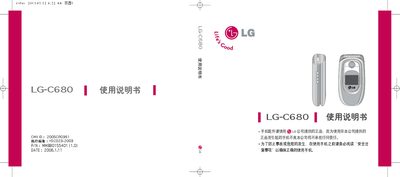
This manual begins with safety precautions for using the LG C680, covering topics such as avoiding water damage, proper battery handling, and safe charging practices. It stresses the importance of using only original LG batteries and accessories, and outlines risks associated with high‑temperature environments, magnetic objects, and improper disassembly.
The later sections describe the phone’s functions, including making and receiving calls, messaging features, menu navigation, and key/icon explanations. A detailed table of contents lists topics such as battery standby time, text messaging, voice mail, contact management, and various settings, helping users quickly locate the information they need. This manual is written in Chinese.
| Operating temperature range | -20°C to 50°C |
|---|
Do not turn the phone on, do not touch the phone, antenna or power cable with wet hands, and avoid using it until it is completely dry.
No. Making or receiving calls while the phone is charging may cause electric shock or fire.
No. Do not place the battery or phone in a closed, high‑temperature environment such as a car exposed to direct sunlight, as it may cause battery deformation or failure.
Keep magnetic items such as credit cards, SIM cards, and metal objects away from the phone, as they can damage the card data or the phone.