
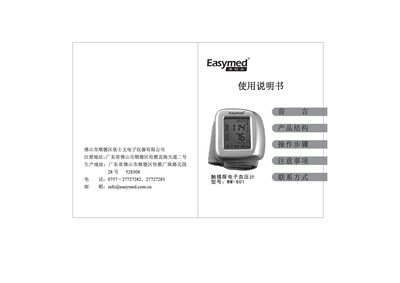
The WM‑601 is a wrist‑type, touch‑screen sphygmomanometer that provides easy, one‑button operation and automatic measurement. The device displays systolic and diastolic pressure, pulse rate and stores up to 60 recent readings.
The manual explains quick start procedures, how to install and replace the cuff, set date and time, view and clear stored data, and resolve common issues such as low‑pressure warnings or measurement errors. This manual is written in Chinese.
| Dimensions | 77 × 72 × 32 mm |
|---|---|
| Weight | 108 g (without cuff) |
Press the release button, pull the old cuff out, align the new cuff’s connector, and push it in until it clicks into place.