
This manual introduces the features and characteristics of the IS20/IS21 series Camclosure® 2 integrated camera systems.
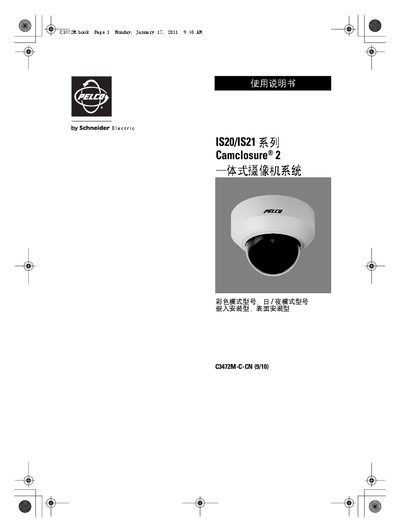
This manual provides safety instructions, installation guidelines, and operating procedures for the Pelco IS20/IS21 integrated camcorder system. It details power requirements, mounting options, and environmental limits to ensure reliable performance.
The document also describes video output connections, image adjustment controls, and regulatory compliance information, helping installers and users set up the camera correctly and maintain it safely. This manual is written in Chinese.
| Power Supply | DC 12 V or AC 24 V |
|---|---|
| Operating Temperature | -10 °C to +50 °C |
| Relative Humidity | < 90 % |
| Video Resolution | 540 TV lines (color) |
| Lens Type | Auto‑aperture zoom lens |
No, the unit does not have a power switch; power is supplied from an external source.
Install the camera in temperatures between -10 °C and +50 °C, with humidity below 90 %, and avoid direct exposure to water, heat sources, or strong electromagnetic fields.
Use the horizontal, pitch, and image tilt adjustment controls to set the desired viewing angle.