
INO-CP09 is a feature-rich mobile phone, with features such as one-touch dialing, assistive listening, and emergency dialing.
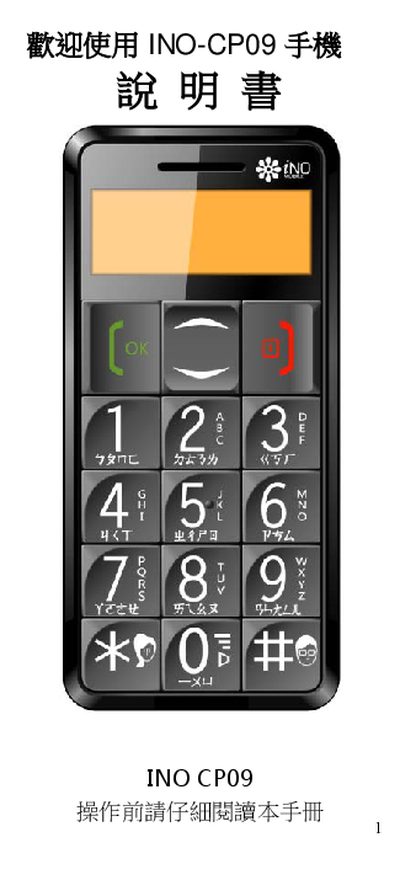
This manual explains how to set up and use the INO CP09 mobile phone. It covers basic operations such as installing the SIM card and battery, navigating menus with the navigation keys, adjusting volume, and using built‑in features like the FM radio and flashlight.
Additional sections describe emergency call functions, voice time announcements, date and time settings, and the various input methods for Chinese (Zhuyin), English letters, numbers and symbols. Each feature is illustrated with key‑press sequences and on‑screen guidance. This manual is written in Chinese.
| Radio | Built‑in FM radio |
|---|
In standby mode, push the radio key upward to open the FM radio.