
This is a quick start guide for a wireless fabric keyboard, which supports Symbian S60v2.0 and v2.2 operating systems.
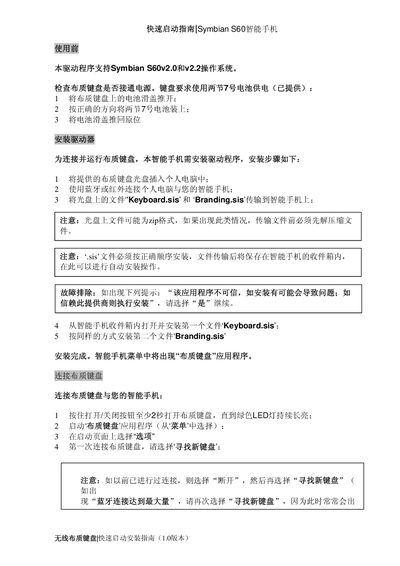
The guide begins with preparation steps, including checking that the fabric keyboard’s cloth keypad is powered by two AA batteries and that the supplied CD is inserted into a PC. It then details driver installation: copy the Keyboard.sis and Branding.sis files from the CD to the phone via Bluetooth or infrared, unzip if necessary, and install the SIS files in the correct order.
After installation, the keyboard is powered on, paired via Bluetooth, and calibrated using the on‑screen wizard. The document also provides troubleshooting tips for common issues such as Bluetooth connection limits, mismatched keyboards, and incorrect character input. This manual is written in Chinese.
| Power source | Two AA (7号) batteries |
|---|---|
| Connectivity | Bluetooth or infrared |
| LED indicator | Green LED stays on when ready |
| Model number | ETP-1840 |
Insert the supplied CD into a PC, copy Keyboard.sis and Branding.sis to the phone via Bluetooth or infrared, unzip if needed, then install the files in order from the phone’s inbox.
From the keyboard application select Options → Calibration → Start Calibration and follow the on‑screen instructions.