
RDC-1K is a new type of energy-saving industrial-grade intelligent time control instrument suitable for national scope street lights, light boxes, courtyard lights, water heaters, reactive compensation, etc., which need extremely high reliability and extremely high precision. The internal industrial-grade processor automatically calculates the local 365 days of sunset and sunrise time, and automatically adjusts the running time of street lights or other electrical equipment according to the changes of seasons.
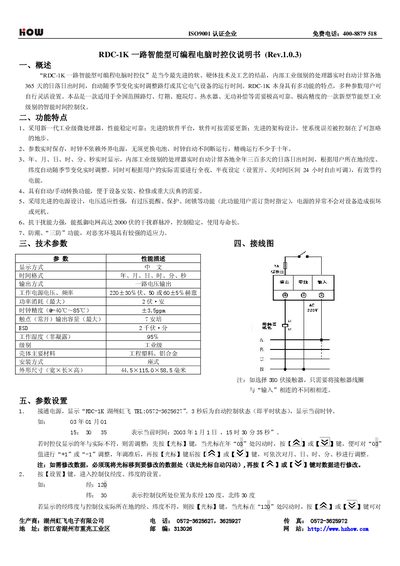
The RDC-1K is a road‑intelligence programmable computer time‑control instrument that automatically calculates sunrise and sunset times for any location and adjusts lighting schedules accordingly. It features an industrial‑level microprocessor, high‑precision clock, anti‑interference capability and three‑defence protection for harsh environments.
This manual explains the device’s functions, wiring diagram, parameter configuration, manual/automatic switching, and provides troubleshooting steps. Users can set date, time, latitude, longitude, and on/off schedules, as well as adjust night‑mode settings and monitor status through the built‑in display. This manual is written in Chinese.
| Power supply voltage, frequency | 220±30% V, 50/60±5% Hz |
|---|---|
| Dimensions (W×L×H) | 44.5 × 115.0 × 58.5 mm |
Press the cursor key to select the year, month, day, hour, minute or second, then use the “+” or “‑” keys to adjust the value.
Press the Settings key, then use the cursor and “+”/“‑” keys to modify the displayed latitude and longitude values.
Press the Manual key; the display will show <关> for manual off or <开> for manual on. Press the Manual key again to return to automatic mode.
Verify that the input voltage between “Input” and neutral is 220 V, ensure wiring is correct, and confirm the power supply is functioning.