
This document is the quick installation manual for DVS-N3040/3014 network video server, which mainly introduces the packaging list, screen settings, hardware installation, PC IP address setting, factory reset, etc.
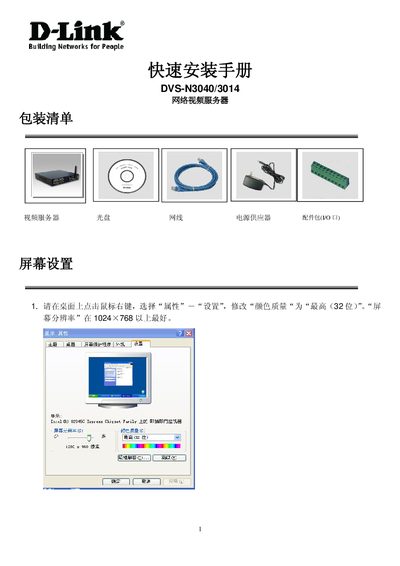
The guide starts with a package list and screen settings, recommending a color depth of 32‑bit and a screen resolution of at least 1024×768. It then walks through hardware installation, connecting power and network cables, and using the supplied IP Installer software to discover and configure the device's IP address.
After the IP is set, the document explains how to log in to the camera using the default username and password (admin/admin), access the live video stream, and perform basic functions such as resetting to factory defaults and selecting compatible SD cards for storage. This manual is written in Chinese.
| Recommended screen resolution | ≥1024×768 |
|---|---|
| Color depth | 32‑bit |
| Default IP address | 192.168.1.200 |
| Default username | admin |
| Default password | admin |
Power off the unit, short the RS232 pins 2 and 3, then power on again and disconnect the R+ / T+ and R‑ / T‑ connections; the device will revert to its factory settings.