
BAF-A12 intelligent fan controller is an important component of the fan control part of the communication cabinet and communication room. It has functions such as over-temperature alarm indication, over-temperature automatic start of the fan, temperature range setting and computer remote monitoring. It is the preferred device for intelligent fan control, especially suitable for occasions that need to protect various communication transmission equipment.
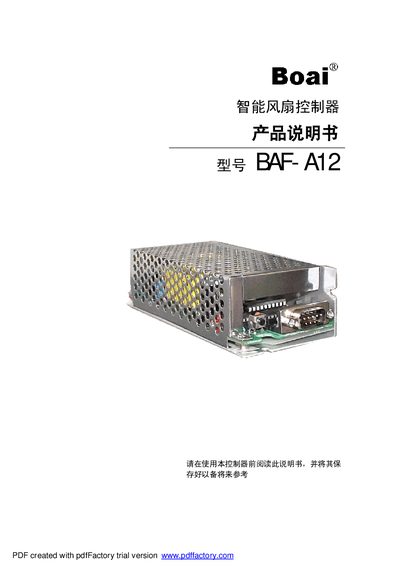
The BAF-A12 intelligent fan controller is designed for communication cabinets and rooms, offering over‑temperature alarm, automatic fan start, temperature range setting, and remote monitoring via computer. It operates on 220 V AC with industrial‑grade components, a compact aluminum enclosure, and a built‑in temperature sensor.
The manual covers the controller’s working principle, detailed technical parameters, software installation and configuration, wiring diagrams, and a troubleshooting guide. It also lists accessories, packaging, transport, and storage requirements. This manual is written in Chinese.
| Insulation Resistance | ≥100 MΩ |
|---|
Check the controller power, connection cables, fan relay, and computer interface. If the problem persists, contact the service department.
Verify that the AC power is present, check the fuse and the LED itself, and replace any faulty component.