
This manual is for the installation and use of the Suntl ICH301T intelligent home information controller. It details the product's features, installation and wiring, system configuration and setup methods, etc.
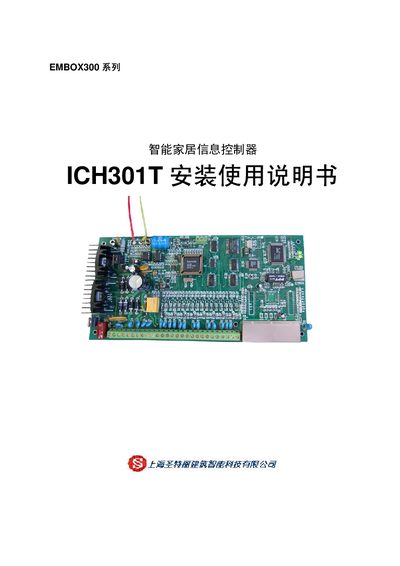
The ICH301T controller is part of the EMBOX300 series and provides Ethernet and RS485 connectivity, 8 digital inputs (DI) and 1 digital output (DO), as well as auxiliary power outputs. The manual explains how to install the unit, connect power (16.5 VAC, 25 VA), wire the DI/DO terminals, and configure the RS485 network.
Safety and troubleshooting procedures are included, with contact information for technical support. Dimensions, mounting guidelines, and wiring diagrams are provided to ensure correct mechanical installation and reliable operation. This manual is written in Chinese.
| Digital inputs (DI) | 8 |
|---|---|
| Digital outputs (DO) | 1 |
| DI response time | <200 ms |
| Power supply | 16.5 VAC, 25 VA |
| RS485 maximum nodes | 32 (64) |
| RS485 maximum cable length | 800 m |
| Maximum current consumption | 1.8 A |
| DI contact type | NO, NC, EOL (2 kΩ) |
| Dimensions (L×W×H) | 235 mm × 120 mm × 60 mm |
The ICH301T provides eight digital input (DI) channels.
The controller requires a 16.5 VAC supply with a capacity of 25 VA.
Up to 32 (or 64) nodes can be connected, with a maximum cable length of 800 m.