
This document is the installation manual for the HU-4608n device server from Beijing Ideal Fixed Network Technology Co., Ltd. The document describes the features and characteristics of the product, including the ability to connect USB devices, multi-user sharing and management, and wireless connectivity.
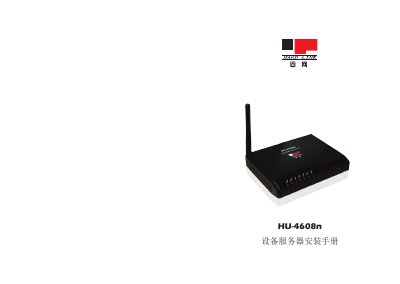
The Huawei HU-4608n device server provides Ethernet, Wi‑Fi, and USB connectivity for linking computers and peripherals. This guide describes the hardware layout, LED indicators, power requirements, and supported interfaces.
Installation steps include mounting the unit, connecting power and network cables, configuring IP settings (static or DHCP), and accessing the web management interface. The document also covers common issues, default credentials, and how to restore factory settings. This manual is written in Chinese.
| Ethernet standard (10Mbps) | IEEE802.3 10Base‑T |
|---|---|
| Ethernet standard (100Mbps) | IEEE802.3u 100Base‑TX |
| Wi‑Fi standard | IEEE802.11n 150Mbps |
| Power supply | 12 V / 1.5 A |
The default username and password are both "admin".
Press the reset button to restore factory defaults.