
This document is a mobile phone user manual, which mainly introduces the functions and operating methods of the mobile phone.
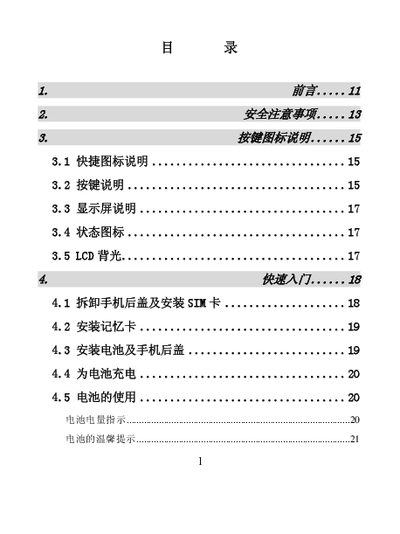
This manual introduces the Huawei Mate 40 Pro mobile phone, covering safety precautions, button and icon explanations, and a quick‑start guide for tasks such as removing the rear cover, inserting the SIM card, installing the battery, and charging. It also details everyday functions like making calls, managing contacts, messaging, multimedia playback, and using the built‑in learning tools.
The document includes a specifications section with dimensions, weight, network support, screen details, storage capacity, battery information, and recommended maintenance procedures. Appendices provide data‑transfer instructions, battery handling safety, and disposal guidelines. This manual is written in Chinese.
| Dimensions | 90mm × 48mm × 15.5mm |
|---|---|
| Weight (without battery) | ≈60 g |
| Network Types | GSM 900 MHz / DCS 1800 MHz |
| GPRS Class | Class 12 |
| Screen | TFT, 262K colors, 176 × 220 pixels |
| Maximum Photo Output | 1280 × 1024 px |
| User Storage | 64 MB |
| USB Interface | USB |
| Battery Capacity | 720 mAh |
| Operating Voltage | 3.6 V – 4.2 V |
| Standby Time | 100 – 300 hours (network dependent) |
| Talk Time | 2 – 6 hours (network dependent) |
Use the charger to charge the battery as described in section 4.4 "为电池充电".
Remove the rear cover and insert the SIM card following the steps in section 4.1 "拆卸手机后盖及安装 SIM 卡".
The battery capacity is 720 mAh.
The phone measures 90 mm × 48 mm × 15.5 mm (L × W × H).