
This manual introduces how to use LSM 510, including scan mode selection, laser activation, microscope control, and scan control keys
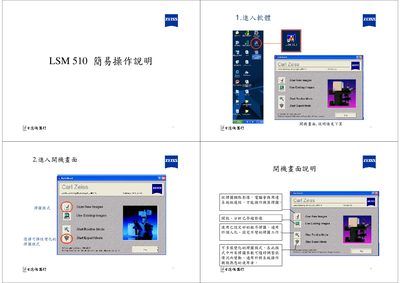
This manual explains how to start the LSM 510 system, select operating modes, and configure the laser sources. After powering on the standby mode, wait for the "warming up" status, then press ON to enable the laser. Laser types such as Argon, HeNe 633 nm and Diode 405 nm can be selected, and output power is adjusted via the Tube Current (5‑6 A).\n\nThe guide also covers image acquisition settings, including single‑track and multi‑track scanning, Z‑stack and time‑series acquisition, scale‑bar insertion, and saving or exporting images using AxioVision LE. Instructions for creating databases, selecting image formats, and managing channels are provided to help users capture and store microscopy data efficiently. This manual is written in Chinese.
| Maximum Laser Power | 40.0 mW |
|---|---|
| HeNe Laser Wavelength | 633 nm |
| Diode Laser Wavelength | 405 nm |
Pull the Output control and set the Tube Current to the desired level, typically 5‑6 A.