
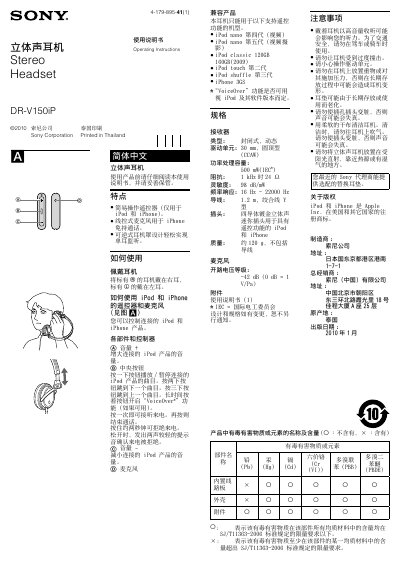
The Sony DR-V150iP Stereo Headset operating instructions explain how to wear the headphones and use the remote control and microphone with connected iPod and iPhone products. They describe the volume controls, center button functions, and call answering, ending, and rejecting.
The document lists compatible iPod and iPhone models, receiver and microphone specifications, the supplied Operating Instructions, precautions, copyright information, and manufacturer and distributor details.
| Receiver type | Closed, dynamic |
|---|---|
| Driver unit | 30 mm dome type (CCAW) |
| Power handling capacity | 500 mW (IEC) |
| Impedance | 24 Ω at 1 kHz |
| Sensitivity | 98 dB/mW |
| Frequency response | 16 Hz - 22,000 Hz |
| Cord | 1.2 m, Litz cord, Y type |
| Plug | Four-conductor gold-plated stereo miniplug for iPod and iPhone with remote function |
| Mass | Approx. 120 g without cord |
| Microphone open circuit voltage level | -42 dB (0 dB = 1 V/Pa) |
It can be used only with the listed models supporting remote control: iPod nano 4th generation (video), iPod nano 5th generation (video camera), iPod classic 120GB and 160GB (2009), iPod touch 2nd generation, iPod shuffle 3rd generation, and iPhone 3GS.
Hold down the center button for about two seconds to reject an incoming call. When you let go, two low beeps confirm the call was rejected.
A single press plays or pauses a track, a double press skips to the next track, and a triple press skips to the previous track. A long press starts VoiceOver if available; press once to answer a call and again to end it.
The instructions warn that high-volume listening may affect hearing and say not to use the headphones while driving or cycling. They also advise avoiding excessive shock, pressure, dirty plugs, direct sunlight, heat, and moisture.