
SPRT® Portable Stylus Printer User Manual, introduces the appearance and components of the printer, performance parameters, usage methods, printing interfaces, other functions, indicator lights, buzzer instructions, and printer settings.
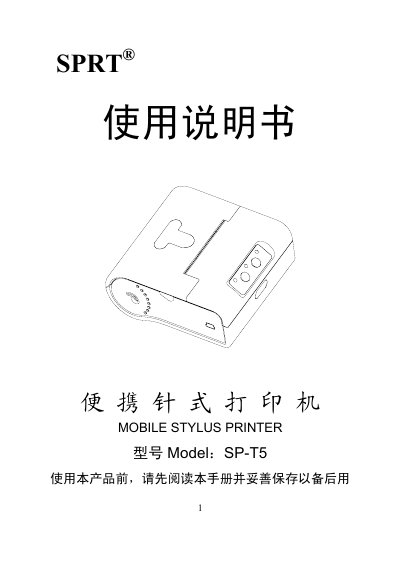
This manual covers safety precautions, including proper battery handling, storage conditions, and environmental limits. It also details the printer's appearance, standard accessories, and performance parameters such as dimensions, weight, and printing capabilities.
Operational instructions include battery and paper installation, interface usage (RS‑232, IrDA, Bluetooth), power management, indicator lights, and configuration via the T5 setting software. Additional features such as sleep mode, paper‑out alarm, and black‑mark positioning are explained. This manual is written in Chinese.
| Physical dimensions (L×W×H) | 112×98×66 mm |
|---|---|
| Weight (without paper roll) | 306 g |
| Paper roll diameter | ≤40 mm |
| Print paper width | 57.5±0.5 mm |
| Dots per line | 240 dots |
| Print speed | 5.5 mm/s |
| Paper thickness | 0.06–0.085 mm |
| Battery capacity | 1500 mAh / 7.4 V |
| Power adapter output | 12 V / 1.5 A |
| Maximum printable length per charge | 32 m (12.5% density) |
| Operating temperature range | -10 °C to 50 °C |
| Storage temperature range | -20 °C to 60 °C |
Open the battery compartment and insert the supplied rechargeable lithium battery as described in section 3.1.1 安装电池.
Use only the supplied battery and adapter, avoid short‑circuiting, heating, or exposing the battery to fire, and remove it for long‑term storage.
Turn the printer on, then follow the pairing steps in section 185; ensure only one printer is powered on during pairing to avoid confusion.