
This manual provides a detailed introduction to the operation and setting methods of the AD26 series controller, including manual mode start-up, automatic mode start-up, manual shutdown, automatic shutdown, fault display and setting program
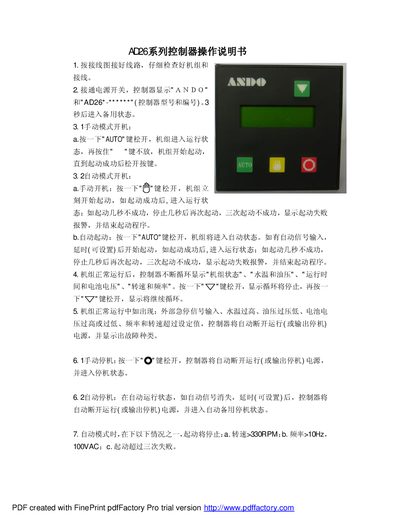
This manual describes how to operate the AD26 series controller, including manual and automatic start procedures, parameter configuration, and fault indication. It explains the sequence of key presses for starting, stopping, and switching between manual and automatic modes, as well as the display information shown during normal operation.
The document also covers the setting program with up to 16 parameters, password protection for saving changes, and hardware specifications such as power supply, dimensions, and output limits. Wiring diagrams and safety notes are included to assist installation and maintenance. This manual is written in Chinese.
| Power Supply | DC24V, max 108 |
|---|---|
| Dimensions | 96 mm × 96 mm × 70 mm |
| Opening Size | 92 mm × 9 mm |
| Speed Limit | 330 RPM |
| Frequency Limit | 10 Hz |
Press the AUTO key once and release; the unit enters run mode, then hold the key to start the unit until start is successful.
The controller automatically disconnects the power or output and displays the type of fault.
Enter setting mode, navigate through up to 16 parameters using the designated keys, then input the 3‑digit password "111" to save; an incorrect password discards changes.
The controller measures 96 mm × 96 mm × 70 mm with an opening size of 92 mm × 9 mm.