
This document is the SWC indoor line air conditioner floor heating controller manual, which introduces the product's display content, key definitions, wiring instructions, wiring diagrams, power on and off operations, clock adjustment, room temperature setting, floor heating program setting, wind speed setting, working mode setting, fault code viewing, power compensation function setting, indoor machine address display and setting
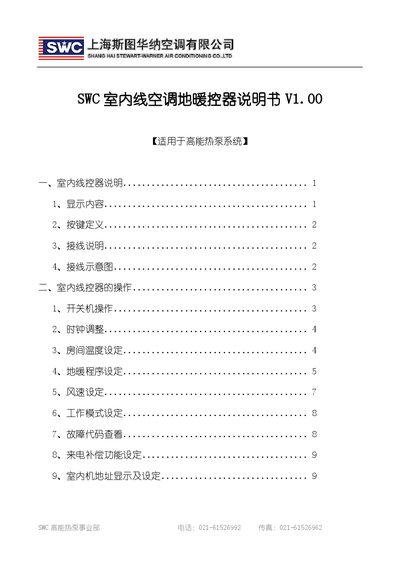
This manual provides an overview of the SWC indoor line controller, including display information, button functions, wiring connections, and a wiring diagram. It is intended for use with the high‑energy heat‑pump system and covers both air‑conditioning and floor‑heating modes.
The guide details operation procedures such as power on/off, clock adjustment, room temperature setting, floor‑heating program configuration, wind‑speed selection, work‑mode switching, fault‑code reading, power‑failure compensation, and indoor unit address setting. This manual is written in Chinese.
| Power Supply Positive | 5V |
|---|---|
| Power Supply Negative | GND |
| Communication Cable Size | 0.75–1 mm² shielded |
Press the key for 3 seconds to enter clock adjustment, then use the up/down keys to change hours, minutes, and weekday as indicated.
Press the wind‑speed key and the timer key together for 3 seconds to enter program setting, then use the up/down keys to adjust time points and select energy or comfort mode.
Press the wind‑speed key to cycle through low, medium, high, and automatic wind‑speed modes.
Press the designated key once to toggle between temperature display and fault‑code display.