
Explains the installation methods, precautions and the role of stickers on the motherboard for AGP cards.
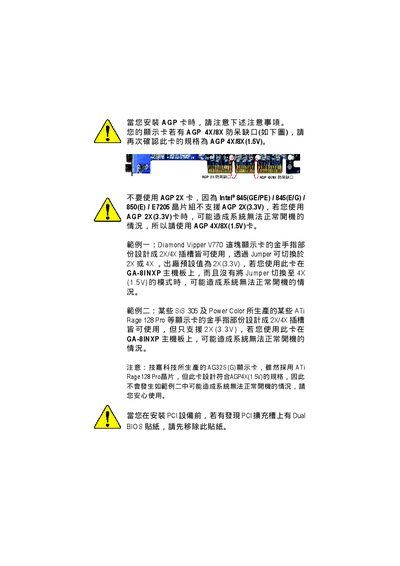
This manual provides step‑by‑step instructions for installing the GA‑8INXP motherboard, including CPU, memory, AGP and PCI devices, as well as wiring and power connections. Safety warnings and anti‑static precautions are highlighted before any hardware handling.
It also details BIOS setup options, power‑management features, and a troubleshooting section that helps diagnose common startup issues such as no video, power failures, or BIOS mis‑configurations. This manual is written in Chinese.
| Form factor | ATX (30.5 cm x 24.4 cm) |
|---|---|
| CPU socket | Socket 478, supports Intel Pentium 4 processors |
| Chipset | Intel E7205 Host/Memory controller, ICH4 |
| AGP slot | 1 × AGP 3.0, supports 8X/4X (1.5 V) cards |
| PCI slots | 5 × PCI 33 MHz, PCI 2.2 compliant |
| IDE ports | 2 × IDE bus master (UDMA33/ATA66/ATA100), 4 devices |
| SATA ports | 2 × Serial ATA (150 MB/s) via Silicon Image SiI3112A |
| Audio codec | RealTek ALC650 |
| Network controller | Intel RC82540EM |
Press during startup, select “Load Optimized Defaults”, save and exit.