
T1M barcode input machine is mainly used for small businesses, companies, stores, online stores to collect product barcode information, can recognize all common one-dimensional codes.
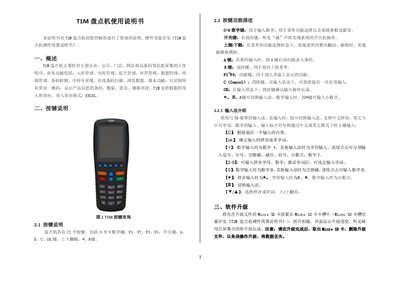
The T1M inventory machine is designed for small‑business barcode data collection, offering functions such as inbound/outbound management, stock queries, serial‑number capture and wired barcode scanning. The manual explains the keypad layout, software menus and how to perform common tasks.
It also provides instructions for software upgrades, hardware driver installation on a PC, and using the import/export tool to transfer inventory data in Excel format. This manual is written in Chinese.
| Number of keys | 23 |
|---|---|
| Supported barcode types | All common 1D barcodes |
| Import/Export format | EXCEL |
Press the F2 key to open the quick query screen, which displays each barcode, product name and current stock quantity.
Select the system management menu, choose “Modify administrator password”, and follow the prompts to set a new password.