
The QA-550 WAV digital player is a HIFI player developed and produced by Qian Long Sheng Electronic Technology Co., Ltd. It uses SD card as storage medium and lossless WAV format files as audio source. It features high-precision active temperature-compensated crystal, supports both optical and coaxial digital outputs, supports control by host buttons and remote control, and supports hot-plug and upgrade functions.
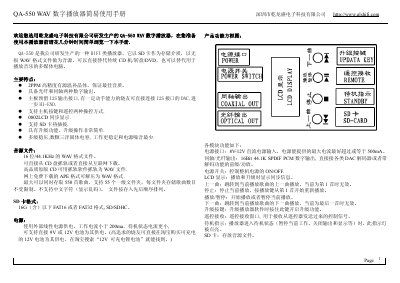
The QA-550 is a Hi‑Fi class WAV digital player that uses an SD card as storage and plays lossless 16‑bit/44.1 kHz WAV files. It offers optical and coaxial digital outputs, an 0802 LCD display, and supports both button and remote control operation. The device includes a temperature‑compensated 2 PPM crystal for high audio quality and a multi‑stage linear regulator for low noise power.
The manual explains how to insert and format an SD card, operate the player and remote, and perform firmware upgrades. Power can be supplied from an 8‑12 V DC source or a 9‑12 V battery, with a typical operating current below 200 mA. Detailed button functions, folder navigation, and upgrade procedures are described step by step. This manual is written in Chinese.
| Maximum songs | 550 songs |
|---|---|
| Maximum first‑level folders | 55 folders |
| SD card capacity and format | Up to 16 GB, FAT16/FAT32 |
| Power input | 8 V‑12 V DC, operating current <200 mA (recommended max 500 mA) |
| Digital outputs | Optical and coaxial SPDIF, 16‑bit 44.1 kHz |
| LCD display | 0802 LCD |
| Crystal oscillator | 2 PPM temperature‑compensated crystal |
Format a 1‑2 GB SD card to FAT32, copy the *.qls upgrade file to the card’s root, insert the card, hold the upgrade key while powering on, and the LCD will show “updata start…”. When finished, the LCD shows “updata ok”.
The player can be powered from an external linear supply of 8‑12 V DC (current <200 mA) or directly from a 9 V or 12 V battery.
The device plays 16‑bit/44.1 kHz WAV files.