
This manual details the functions and features of the Watch DVR. Please read carefully to ensure correct operation.
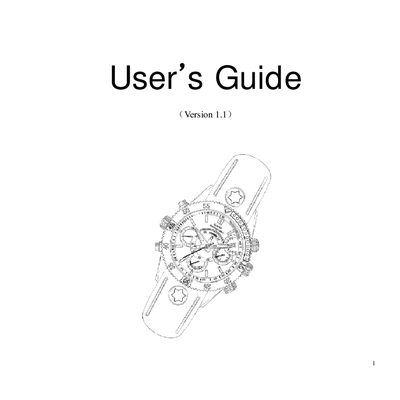
The Watch DVR is a smartwatch‑style camera that records video, takes photos, and supports voice and motion‑detect recording. It offers selectable video resolutions (1280×720, 640×480, 352×288), a built‑in flash memory (2‑8 GB), and a rechargeable lithium‑polymer battery. The device is waterproof up to 10 atmospheres (≈100 m) when the sealed crown is set correctly.
The manual explains how to charge the unit, switch between video, voice, photo, and motion‑detect modes, connect to a PC as a removable disk or webcam, set the time and video resolution via text files, and perform a reset. Safety notes and detailed specifications are provided at the end of the guide. This manual is written in Chinese.
| Dimensions | 52 mm × 45 mm × 15 mm (approx.) |
|---|---|
| Weight | 100 g (approx.) |
| View Angle | 62° |
| Minimum Illumination | 1 Lux |
| Video Format | AVI |
| Video Resolution | 1280×720 / 640×480 / 352×288 (selectable) |
| Frame Rate | ≥20 fps |
| Photo Image Format | JPG 1280×720 |
| Voice Sampling Rate | 16 bit |
| USB Interface | USB 2.0 |
| Battery Charge Voltage | DC 5 V |
| Operating Temperature Range | -20 °C to 80 °C |
| Water‑resistant Level | 10 atmospheres (≈100 m) |
The device is waterproof up to 10 atmospheres, which allows underwater recording to a depth of about 100 meters when the sealed crown is set correctly.