
This document describes the features and settings of the LG-A258 mobile phone, including device search, device pairing, call settings, security settings, contact management, email, setting scene modes, display settings, date and time settings, Bluetooth pairing, and message sending.
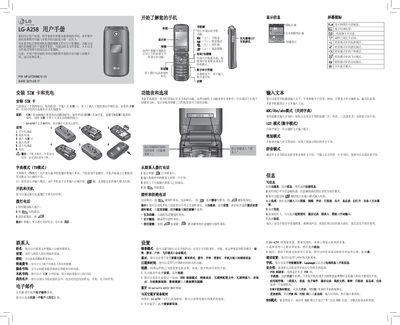
This manual explains how to install the SIM card, charge the battery, and power the device on or off. It also covers dialing, contacts, messaging, and the various settings you can adjust, such as network, Bluetooth, and display options.
Safety guidelines, battery care, and regulatory information—including SAR limits—are included to ensure proper and safe use of the phone in different environments. This manual is written in Chinese.
| SAR (Specific Absorption Rate) | 0.403 W/kg (10 g average) |
|---|
Open the battery cover, remove the battery, insert the SIM card, then reinsert the battery and charge the phone.
Press and hold the power key to turn the phone on or off.
The default security password for this phone is 0000.