
This document contains the safety instructions for Pyle PICL90PAD
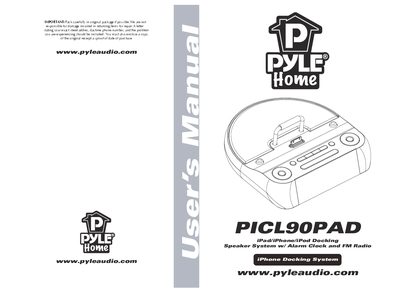
This manual covers safety symbols and instructions, product features, and the contents of the package for the Pyle PICL90PAD iPad/iPhone/iPod docking speaker with alarm clock and FM radio. It explains how to install batteries, connect power, and dock your Apple device.
Detailed operating procedures are provided for volume control, time synchronization, clock and alarm settings, FM radio tuning, AUX input, and troubleshooting common issues such as no power, no sound, or charging problems.
| DC Power | 5V, 3A |
|---|---|
| Rated Output Power | 2 x 3W RMS |
| Frequency Response | 100~15 kHz, +3 dB |
| Signal‑to‑Noise Ratio (Amplifier) | >65 dB |
| FM Tuning Range | 87.5–108 MHz |
| FM Search Sensitivity | <28 dB F |
| FM Total Harmonic Distortion | <1.5 % |
| Speaker Impedance | 4 Ω |
| Speaker Driver | 50 mm |
Plug the device, switch to playback mode, select iPod/iPhone/iPad mode, then press and hold the MENU button until the display shows “SYC” to copy the device’s time.
Make sure the DC power adapter is properly connected and that the backup batteries are inserted with correct polarity.
The unit can store up to 20 preset FM stations.