
EbookMan is a multimedia content reader that can be used to read eBooks, magazines, newspapers and other content.
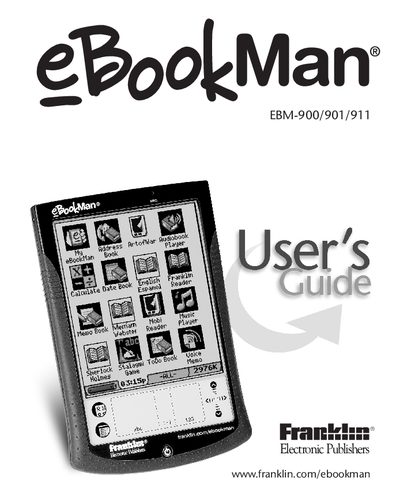
This guide introduces the eBookMan EBM‑900/901/911 multimedia content reader, describing its hardware features such as the front and back panels, battery installation, and available ports. It also explains how to register the device and calibrate it for proper use.
The manual covers the eBookMan Desktop Manager software, including installation, menu navigation, and synchronization of content with a PC. Detailed sections describe each built‑in application—Franklin Reader, Mobipocket Reader, Audiobook Player, Music Player, and organizer tools like Address Book and Voice Memo—along with instructions for using menus, settings, and Outlook integration.
| Weight | 231 |
|---|
From the Getting Started section, select “Install eBookMan® Desktop Manager” and follow the on‑screen instructions.
Use the synchronization options in the Address Book, Date Book, ToDo Book, and Memo Book to sync data with Microsoft® Outlook.
Open the Voice Memo application and select the Record option to capture a new voice memo.