
DI-624+A is a 802.11b/g 2.4GHz wireless broadband router with multiple switch ports and a WAN port. It supports auto-detection of parallel lines and jumpers. The router can be used for both wired and wireless internet connections and offers various features and settings.
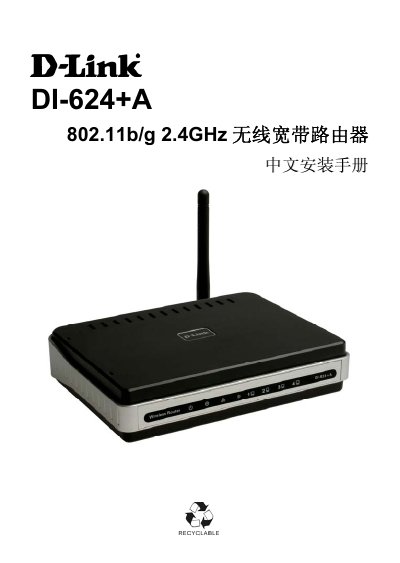
This manual provides detailed instructions for installing and configuring the D-Link DI-624+A wireless broadband router. It includes product specifications, a list of supplied accessories, panel indicator explanations, and step‑by‑step procedures for both wired and wireless connections on Windows 98/ME/2000/XP.
The guide also covers advanced features such as DHCP, VPN pass‑through, DDNS, and virtual server setup, as well as troubleshooting tips and a FAQ section that addresses common user concerns. This manual is written in Chinese.
| LAN ports | 4 x 10/100Mbps Ethernet ports |
|---|---|
| WAN port | 1 x 10/100Mbps WAN port |
| Wireless standard | 802.11b/g |
| Antenna gain | 2 dBi high‑gain (replaceable) antenna |
No. D‑Link supplies different power adapters for each market, and an extra transformer is not provided; users should purchase the appropriate adapter locally.