
This manual describes the features and characteristics of the 2243L touch display, including installation, assembly, and operation instructions.
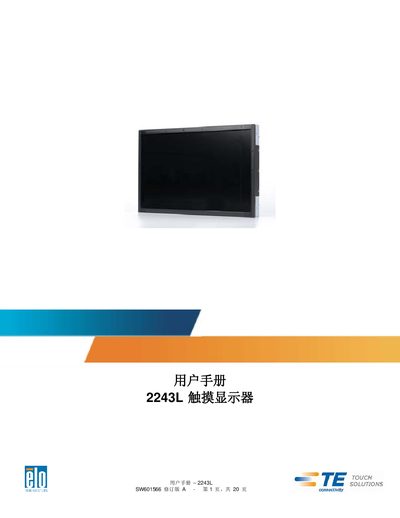
The Elo 2243L touch display combines a 24‑bit color active‑matrix TFT LCD panel with LED backlight and full HD 1920x1080 resolution. It offers plug‑and‑play connectivity with DVI/VGA video, USB touch, and a 12 VDC power input.
The manual provides step‑by‑step instructions for unpacking, connecting cables, installing drivers for Windows, adjusting APR touch settings, and maintaining the unit safely. Warranty details and regulatory certifications are also included. This manual is written in Chinese.
| Display resolution | 1920x1080 |
|---|---|
| Panel type | 24‑bit color active‑matrix TFT LCD |
| Backlight | LED |
| Input voltage (display) | 12 V DC ±5 % |
| Power adapter input | 100‑240 VAC, 50‑60 Hz |
| Power adapter output | 12 V DC, minimum 3 A |
| Relative humidity (operating) | 20 % – 80 % (non‑condensing) |
| Maximum altitude (operating) | 0 – 3,048 m |
Insert the Elo TouchTools CD, choose “Install driver for this computer”, then select “Elo USB Interfaces – Other Touchscreens – Install driver”.
The touch display and its components are covered by a three‑year warranty.