
This document is the user manual for LED display, which mainly introduces the characteristics, usage methods and precautions of the product
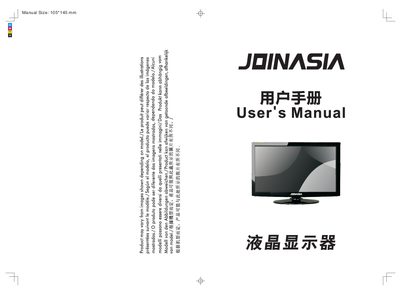
This manual provides comprehensive guidance for the setup and operation of the JOINASIA LED monitor. It includes essential safety warnings, packaging contents, and detailed instructions on how to position and adjust the screen for optimal viewing. This manual is written in Chinese.
| Power Input | DC24V 5A |
|---|
Ensure the video signal cable is firmly plugged into the video output port of the computer and the monitor.
The package includes the LED monitor, power adapter, signal cable, user manual, DVI, and a national standard power cord.
Wipe the screen with a clean, soft, lint-free cloth; if it remains dirty, apply a small amount of ammonia-free and alcohol-free glass cleaner to the cloth before wiping.
A distance of more than 30cm should be maintained between the eyes and the LED monitor to reduce eye fatigue.