
The GP-5830 series printer is an embedded direct thermal micro printer with high print quality, low noise, high speed printing, small size, beautiful appearance and other features.
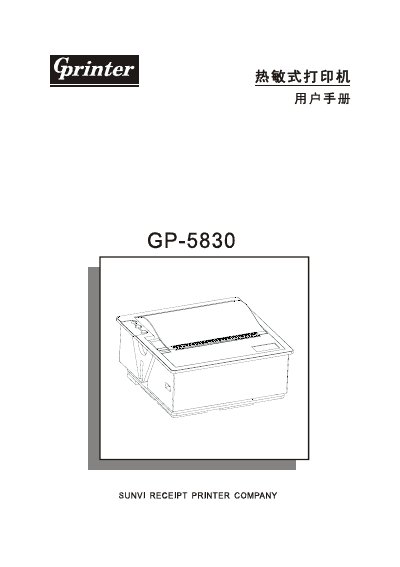
The SUNVI GP-5830 series is an embedded direct‑thermal micro printer designed for compact, low‑noise, high‑speed printing. It supports both serial (RS‑232C) and parallel interfaces and is compatible with ESC/POS command set, making it suitable for medical, banking, retail and other instrumentation.
The manual provides safety warnings, step‑by‑step installation, power and paper loading instructions, self‑test procedures, detailed command tables and troubleshooting tips to help users set up and maintain the printer efficiently. This manual is written in Chinese.
| Printing method | Line thermal printing |
|---|---|
| Paper width | 57.5 ± 0.5 mm |
| Effective print width | 48 mm |
| Print speed | 70 mm/s (18 lines/s) max |
| Print density | 384 dots/line (8 dots/mm) |
| Print head lifetime | 50 km |
| Serial interface | RS‑232C, 600‑19200 bps (default 9600 bps) |
| Parallel interface | 26‑pin panel connector, 8‑bit |
| Power input | DC 5 V / 3 A (5 V ± 0.25 V) |
| Dimensions (L×W×H) | 85 mm × 85 mm × 42.6 mm |
| Weight | ≈140 g |
| Operating temperature | 0 °C – 45 °C |
| Paper type | Thermal receipt paper |
| Paper thickness | 0.06 – 0.08 mm |
| Maximum roll diameter | 30 mm |
It uses 57.5 mm wide thermal receipt paper, 0.06‑0.08 mm thick, with a maximum roll diameter of 30 mm.
Hold the FEED button while turning the power on; the printer will print a self‑test page showing version and interface information.
The printer requires a DC 5 V supply capable of 3 A, with voltage tolerance of 5 V ± 0.25 V.
The serial port follows RS‑232C standards and supports baud rates of 600, 1200, 2400, 4800, 9600 (default) and 19200 bps, 8‑N‑1 with RTS/CTS or XON/XOFF handshaking.