
This document is the SP-POS58 printer driver installation manual, which introduces two methods of installing the driver program under Windows 2000/XP/2003/Vista and using serial/parallel direct drive.
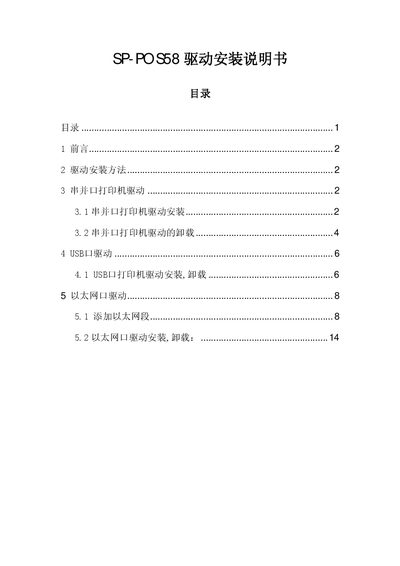
This manual explains the two driver options for the SP‑POS58 printer: using Windows‑provided drivers or direct serial/parallel port driving with the built‑in ESC/POS command set. It covers supported operating systems such as Windows 2000, XP, 2003 and Vista.
Detailed procedures are provided for installing and removing drivers for serial/parallel ports, USB, and Ethernet connections, including how to add a network segment and set the printer’s IP address. This manual is written in Chinese.