
The user manual for Chaohua Digital MP3 introduces the precautions for using the product, as well as the features and functions of the product, such as support for multiple audio formats, synchronized lyrics display, firmware upgrade function, long-time recording, etc.
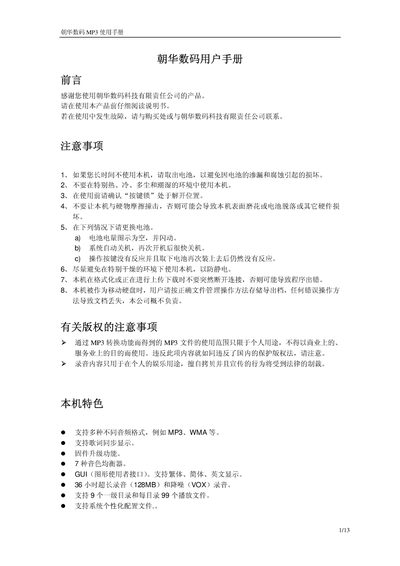
This manual introduces the Chaohua Digital MP3 player, covering safety precautions, hardware features, and the five operating modes (Music, Record, Voice, System Settings, and USB). It explains the button layout, display functions, and how to navigate menus for playback, recording, and system configuration.
Detailed sections describe how to manage files, adjust audio settings, use the A‑B repeat and compare functions, and perform firmware updates. The final chapter lists technical specifications such as memory capacity, battery type, and supported audio formats. This manual is written in Chinese.
| Memory capacity | 64/128/256 MB |
|---|---|
| Battery | 1 × AAA (7号) alkaline |
| LCD size | 96×26 dot matrix, blue EL backlight |
| Dimensions | 95 mm × 31 mm × 23 mm |
| Signal‑to‑noise ratio | 90 dB |
| Headphone output power | 9 mW ×2 @ 3.2 Ω |
| Output frequency range | 20 Hz – 20 kHz |
| Recording sample rate | 8 kHz |
| Supported music formats | MP3, WMA |
| Recording format / duration | AG8, up to 36 hours (128 MB) |
| Supported bitrate | 32 kbps – 384 kbps |
Select the Delete Music menu, choose “Delete One”, then use the navigation keys to pick the file and press PLAY to delete it.
Yes, connect the device to a PC’s USB port; it will automatically power on and enter USB mode.
When the key lock is enabled, all other buttons become unresponsive until the lock is released.